

Sao chép liên kết pin
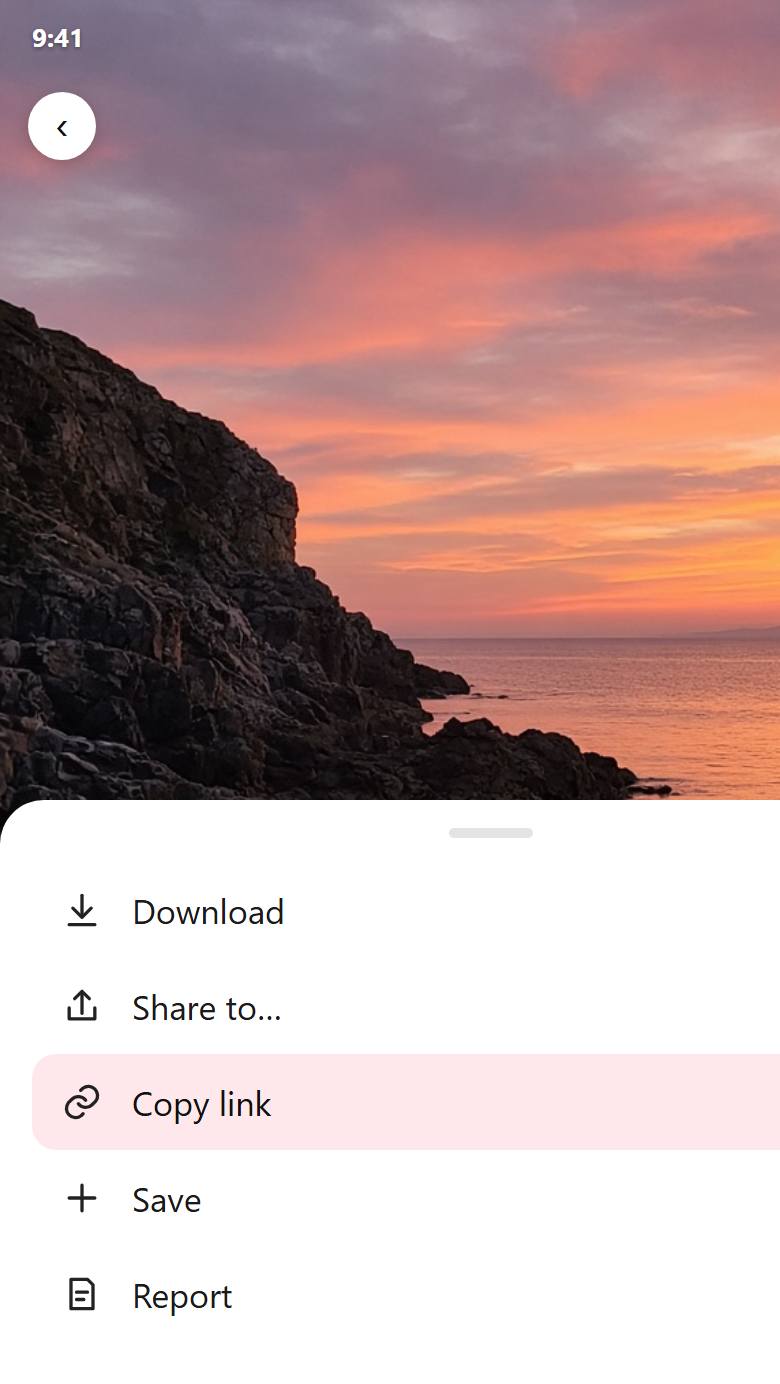
On the pin, tap Share or the three dots, then Copy link. A pin.it link works too. Then open this page.
Paste a public board link and pick the pins on that page. Your Pinterest password stays on Pinterest.
Pinterest Grab reads a public pin, photo, GIF, Idea Pin, or board link and shows the file Pinterest already stored. Your Pinterest password stays on Pinterest.
On the pin, tap Share or the three dots, then Copy link. A pin.it link works too. Then open this page.
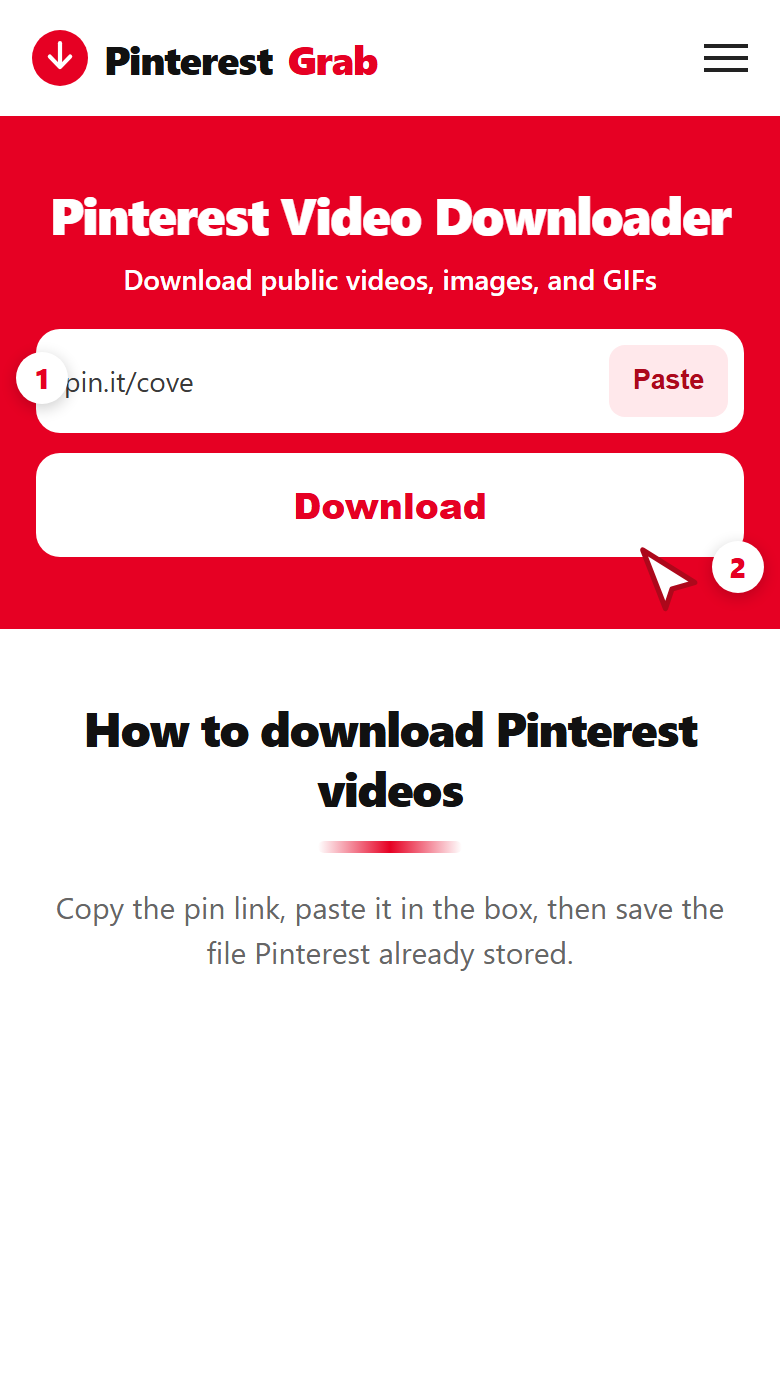
Paste it in the box and press the red Download button. The check stays on this page.
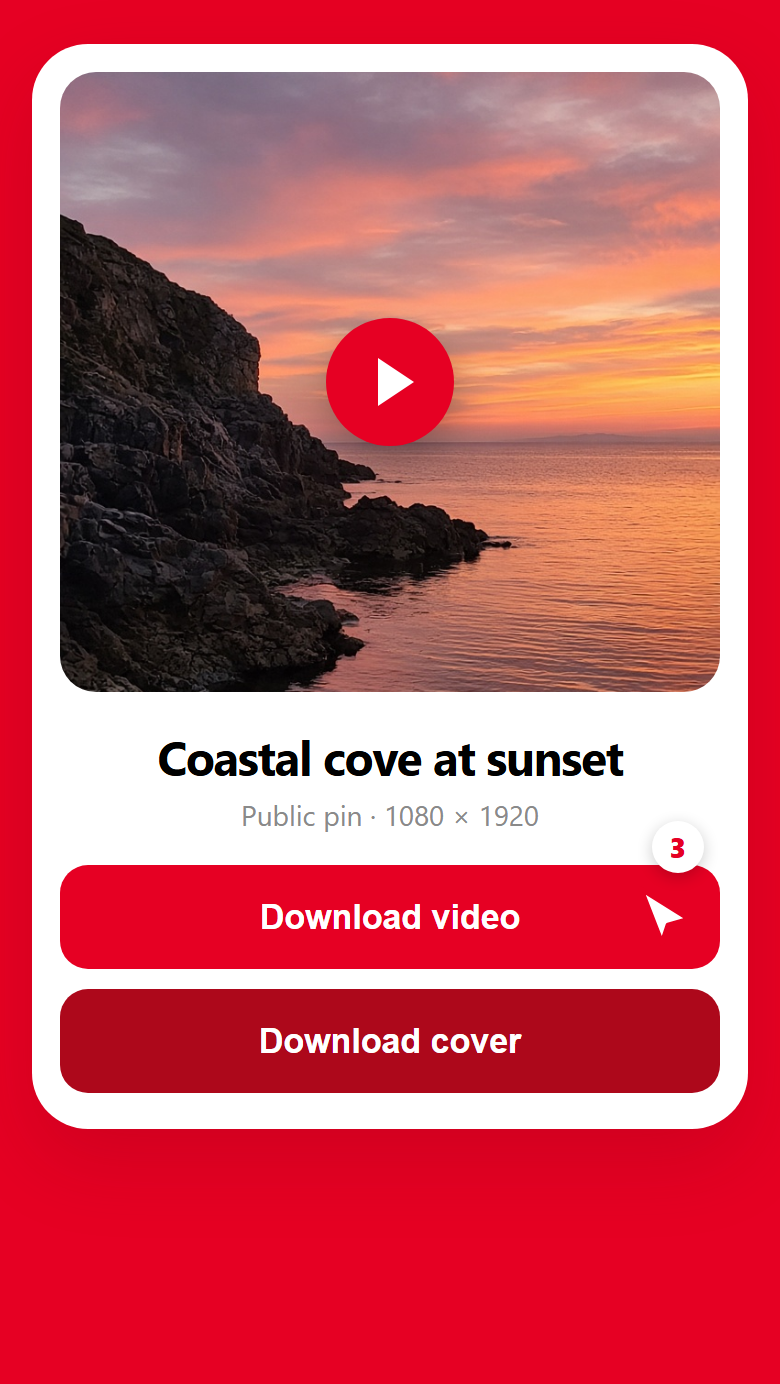
Read the pixels, the format, and the length. Then press Download on the file you want.
Pinterest Grab takes a public Pinterest link and shows the media on that page: a video, a photo, a GIF, an Idea Pin slide, or the pins already listed on a public board. You do not sign in, and you do not install an app.
The same box works from the Pinterest app and from a desktop browser. Copy the link, paste it here, and save the file Pinterest stored for that pin. HD, 2K, and 4K appear when that pin already has them.
The result stays on this page. It names the file Pinterest stored, with the real width and height. Pinterest Grab does not upscale a small file into a fake HD copy.
A video line shows the pixels, MP4, and the length in seconds. A photo says JPG or WebP. A GIF stays a GIF when that is the file. A silent loop that is an MP4 is labeled MP4.
The largest stored size is marked first. Extra sizes sit under it when Pinterest saved more than one. The soundtrack stays in the MP4 when the pin has audio.
Paste a board such as pinterest.com/name/board-name/. You get up to 18 pins already on that page, each with its own Download button. You choose the pins you want.
Open a single pin when you want only that file. A profile, a search, or an Ideas page needs a pin link from inside it. Private boards stay on Pinterest. This site never asks for your password.
The same paste works for a public video, image, GIF, or Idea Pin. A board link lists the pins on that page so you can save the ones you want.
Quality note: Pinterest Grab returns the source file for that pin. HD, 2K, and 4K show up when Pinterest provides them. A smaller upload stays labeled with its real pixels. Results differ from pin to pin.
Aside from a standard video, the same box saves these public Pinterest files. Open a format for the steps, or paste the link above.
Save a public video pin as MP4, including short clips and feed videos. The soundtrack stays in the file when the pin has audio. Pinterest Grab does not stamp a logo on the video.
Save artwork, wallpapers, recipes, fashion photos, and other public image pins. You get the image file on that pin, in JPG or WebP, at the size Pinterest stored.
Save an animated pin. A real GIF stays a GIF. A silent loop that Pinterest stored as MP4 is labeled MP4, so the file type matches the pin.
Save a public Idea Pin or story pin. Multi-step tutorials and slideshows list each slide that has a real video or image, so you can save the files one by one.
Paste a public board and pick from the pins already on that page. Videos, photos, and GIFs can sit in the same list. You download the ones you want, up to 18.
Paste the public link the way you copied it. A pin saves that file. A board lists the pins on the page.
pinterest.com/pin/…One public video, photo, GIF, or Idea Pin.
pin.it/…The link the Pinterest app copies from Share.
…/pin/…A public image pin, saved at the size on the page.
…/pin/…An animated pin. The result names GIF or MP4.
…/pin/…Slides that include a real file, listed one by one.
pinterest.com/name/board/Up to 18 public pins from that board page.
Yes. It runs in the browser you already have, on a phone and on a computer.
Open the pin in the Pinterest app. Tap Share and choose Copy link. Switch to Chrome on Android or Safari on iPhone, paste into the box, and tap Download.
On Android the file lands in Downloads. On iPhone, open Files, then Downloads. To put a video in Photos, open the file, tap Share, and choose Save Video.
Open the public pin and copy the address bar, or use Share and then Copy link. Paste with Ctrl+V on Windows or Cmd+V on a Mac, then press Download.
The file is saved in Downloads. Ctrl+J on Windows and Cmd+Shift+J on a Mac open the browser’s download list.
Pinterest Grab reads public links. It does not ask for your Pinterest username or password.
A public pin is not a free license. Download a file you created, a file you have permission to keep, or a file for personal viewing. Pinterest Grab does not grant the right to republish or sell someone else’s pin. This site does not add a watermark, and a watermark the creator already placed in the video stays in the file. Pinterest Grab is not affiliated with Pinterest.
Use it as a helper for a public pin you are allowed to keep. A public link does not make the file free to repost.
Copy the link of one pin, or a public board. A profile, a search, and an Ideas page need a pin opened from inside them.
The card shows the file Pinterest stored for that pin. Some pins have no single MP4, and the page says so.
Keep a file you made, a file you have permission to keep, or a file for personal viewing.
Ask before you repost, edit, or use the file in a project. A watermark already in the video stays in the file.
The label matches the file on the pin. Pinterest Grab does not convert a photo into a video, and it does not invent a soundtrack.
Width, height, and length. HD, 2K, or 4K when that size is already on the pin. Sound stays in the file.
Artwork, wallpapers, recipes, and other image pins, at the size Pinterest stored.
Some image pins are WebP. The result says WebP, and the file stays WebP.
An animated pin that is a GIF saves as a GIF. A silent MP4 loop is labeled MP4.
Each slide with a real video or image is its own row, so a tutorial can be saved step by step.
A public board lists up to 18 pins already on that page. You pick the files.
No. Paste a public Pinterest link and press Download. There is no sign-up and no Pinterest login.
It runs in the browser and does not ask you to install an app. There are no ads and no pop-ups.
In the folder your browser uses for downloads. On Windows press Ctrl+J. On a Mac press Cmd+Shift+J. On a phone, look in Files or Downloads.
No. It does not keep a download history, and it does not store the media files.
In Pinterest, tap Share, choose Copy link, open this page in Chrome, paste, and tap Download.
Copy the link in the Pinterest app, paste it into Safari on this page, then tap Download. The file goes to Files, in Downloads. Use Share → Save Video to put it in Photos.
Yes. There is no fee and no watermark added by this site.
No. Private boards, deleted pins, and login-only media are not supported.
Yes. Pinterest Grab can only use what a logged-out visitor can open.
Yes, when the video is on a public pin. Copy the URL, paste it above, and press Download to see the MP4.
Use the same box. Copy the image pin link, paste it, and press Download. The photo saves as the JPG or WebP on that pin.
Yes. Paste the animated pin. A GIF saves as a GIF. A silent MP4 loop is labeled MP4.
A public board lists up to 18 pins from that page. You download the ones you want. For one file, paste that pin’s own link.
Open a pin or a public board on that profile and paste that link. A profile URL itself is not a file.
Videos save as MP4. Photos save as JPG or WebP. GIFs stay GIFs when that is the file. HD, 2K, and 4K appear when Pinterest stored that size.
No. You get the public file. A logo that the creator already placed in the video stays there.
No. It does not remove a watermark, a rights notice, or anything the creator placed in the file.
About 10 minutes. After that, paste the pin again. The site does not keep the file for you.
Public pins only, up to 18 pins from a board page, and the size Pinterest already stored. Profiles, private boards, and invitation links are refused. A short wait applies if you grab many pins in one minute.
No. There is no library of your downloads. The save link lasts about 10 minutes, and the file comes from the public pin.